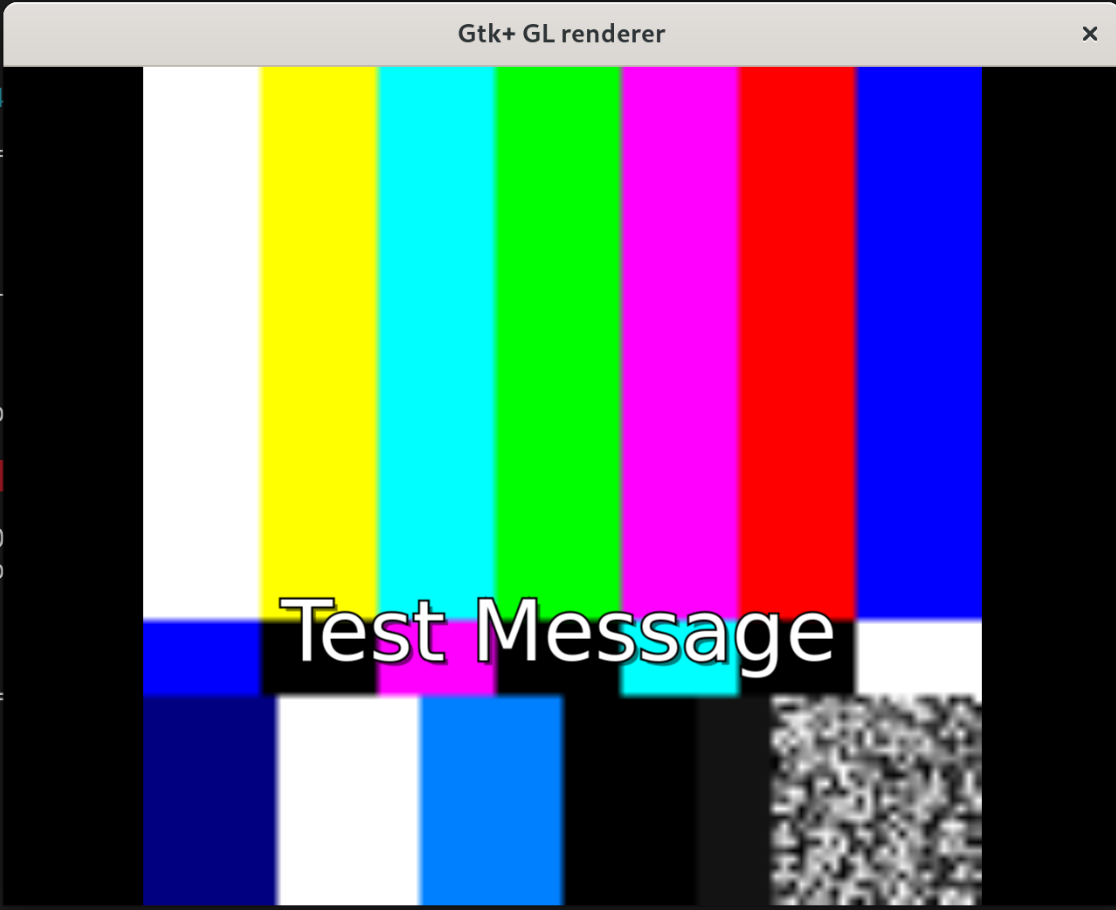
I am programatically displaying a lo-res video file with subtitles from an external srt file. When I drag the edges of the on-screen video window to make it bigger the video becomes blurry as we would expect, but unfortunately the subtitles do too. The effect can be seen with this one-liner (on Linux):
It seems that although I have included a videoscale before the textoverlay, it’s not being used and the scaling is happening in the autovideosink instead. So the text is overlayed at lo-res, and scaling it up afterwards just makes it blurry.
I would be grateful if anyone can tell me how to fix this. Something to do with caps negotiation no doubt, to make the videoscale do the scaling.
That’s right. If the sink can scale the videoscale will not do scaling in software.
Whether the text will be blit onto the video in the video resolution or overlayed in the display system / window resolution depends on the videosink being uses.
If the sink supports the GstVideoOverlayComposition meta, and provides resolution hints, then the text can be rendered at the output resolution.
Thanks for this. I can’t make assumptions about what version of GStreamer my users might be using, or what videosinks may be available. But I have in mind a clumsy solution that should help. My plan is to give the user a toggle option on a menu to “De-blur subtitles”. If they are seeing blurry subtitles then it must mean that the video is lo-res, the videosink is doing the scaling, and does not support GstVideoOverlayComposition. In that case I will build the pipeline with a caps filter between the videoscale and the textoverlay, specifying an arbitrary but substantial size for the video at that point. It’s not perfect but should turn unreadable subtitles into readable ones. Then the videosink will scale as usual to the actual size of the window. If you can think of a cleaner solution then please say!
On Linux I try various options before autovideosink, for example I have found that sometimes ximagesink works but xvimagesink doesn’t (has video artifacts), and sometimes the other way round. I also try gconfvideosink before autovideosink. Some of the choices have the scaling problem described above, some don’t.
I’m using wxWidgets. I daresay you’re right - I just checked and I added video handling using GStreamer back in 2011. Old things in the code tend to survive as long as they are not causing a problem.